
Five steps.
Choose the drive, back up, scan, look, recover. The first four are free.
Choose the drive
Memory cards, USB sticks, external drives, and backup images you made earlier. Not the Mac's own disk: it is encrypted on Apple Silicon Macs, so a scan would find only cipher text.
Reading a drive asks once for the Mac administrator password, through the standard macOS dialog. Nothing is installed, nothing runs in the background.
Right after you choose, Retriever takes a quick look. For a wiped disk it says, within seconds: "21 % hold data, 75 % were overwritten with a fill pattern. Where the pattern is, nothing is left."
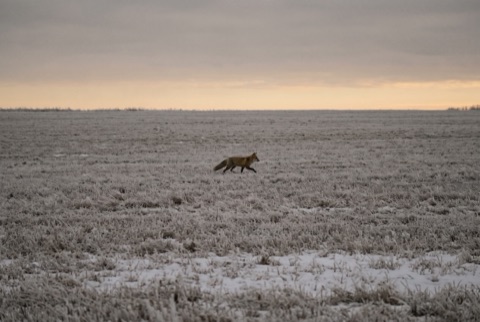 intactDSC06183.JPG3,5 MB
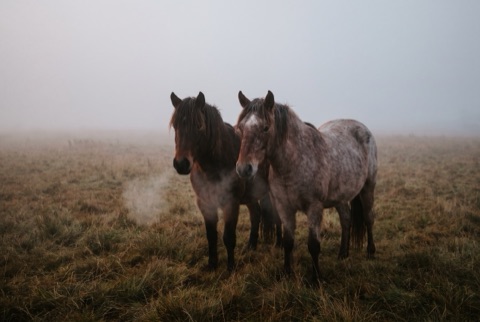 intactDSC06190.JPG3,2 MB
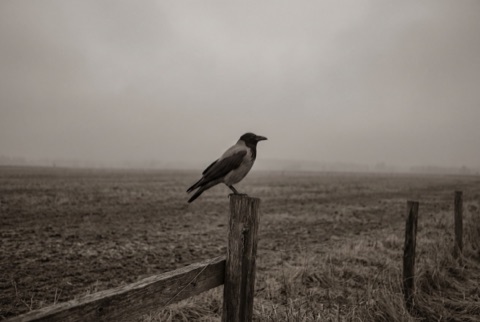 intactDSC06188.JPG2,9 MB
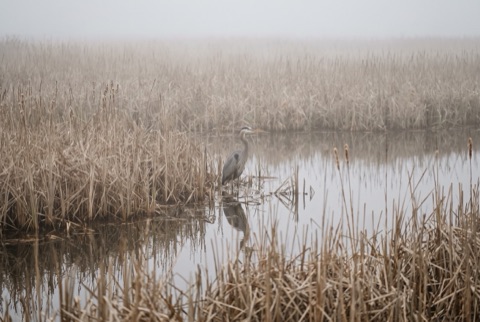 intactDSC06201.JPG3,3 MB
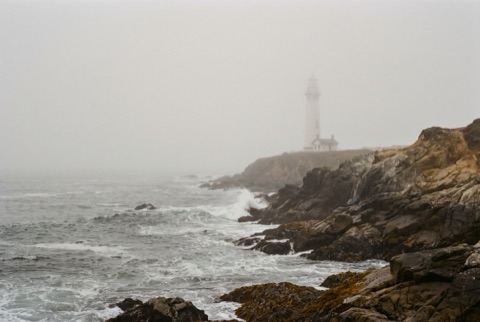 intactDSC06195.JPG3,5 MB
Which drive?
Cards, USB sticks, external and internal drives. Only the disk macOS runs from is greyed out.
72 % hold data, the rest is empty.
Last scans
Back up the drive first
Every read of a failing drive is a risk. Retriever copies it once, bit for bit, and works on the copy.
0,00 GB of 63,86 GB copied, 0 unreadable areas
Sniffing through 63,86 GB…
Found 0 files so far
Fetching 17 files
0 of 17
All 17 files verified!
- data
- empty
- overwritten
- unreadable
- found
- saved
Back up
A bit-for-bit copy of the drive. From here on the app works on the copy, never on the original. You need free space the size of the drive, on the Mac or on an external drive. If the Mac is short of space, the backup image can go to an external drive. You can also skip the backup; the app warns you first.
Read errors do not stop the backup. Bad sectors become gaps and are shown.
intactDSC06183.JPG3,5 MBintactDSC06190.JPG3,2 MBintactDSC06188.JPG2,9 MBintactDSC06201.JPG3,3 MBintactDSC06195.JPG3,5 MBWhich drive?
Cards, USB sticks, external and internal drives. Only the disk macOS runs from is greyed out.
72 % hold data, the rest is empty.
Last scans
Back up the drive first
Every read of a failing drive is a risk. Retriever copies it once, bit for bit, and works on the copy.
0,00 GB of 63,86 GB copied, 0 unreadable areas
Sniffing through 63,86 GB…
Found 0 files so far
Fetching 17 files
0 of 17
All 17 files verified!
- data
- empty
- overwritten
- unreadable
- found
- saved
Scan
"Sniffing through 128 GB…" then "Found 1,204 photos so far" then "Done. 1,312 photos, 41 videos."
On FAT12, FAT16, FAT32, exFAT and NTFS, names, folders and dates come back too, also after a quick format where the old directories survived.
intactDSC06183.JPG3,5 MBintactDSC06190.JPG3,2 MBintactDSC06188.JPG2,9 MBintactDSC06201.JPG3,3 MBintactDSC06195.JPG3,5 MBWhich drive?
Cards, USB sticks, external and internal drives. Only the disk macOS runs from is greyed out.
72 % hold data, the rest is empty.
Last scans
Back up the drive first
Every read of a failing drive is a risk. Retriever copies it once, bit for bit, and works on the copy.
0,00 GB of 63,86 GB copied, 0 unreadable areas
Sniffing through 63,86 GB…
Found 0 files so far
Fetching 17 files
0 of 17
All 17 files verified!
- data
- empty
- overwritten
- unreadable
- found
- saved
Look
Thumbnails by day, the folders of the drive, filters, full-size previews. Videos and audio play. All of this is free.
Every file carries an honest badge:
- intact
- probably damaged
- fragmented
- unverified
- duplicate
intactDSC06183.JPG3,5 MBintactDSC06190.JPG3,2 MBintactDSC06188.JPG2,9 MBintactDSC06201.JPG3,3 MBintactDSC06195.JPG3,5 MBWhich drive?
Cards, USB sticks, external and internal drives. Only the disk macOS runs from is greyed out.
72 % hold data, the rest is empty.
Last scans
Back up the drive first
Every read of a failing drive is a risk. Retriever copies it once, bit for bit, and works on the copy.
0,00 GB of 63,86 GB copied, 0 unreadable areas
Sniffing through 63,86 GB…
Found 0 files so far
Fetching 17 files
0 of 17
All 17 files verified!
- data
- empty
- overwritten
- unreadable
- found
- saved
Recover
This is the paid step. You pay once, get a license key in the browser and by email, enter it once in the app. Pricing.
Keep the original folders or sort by date. Every written file is verified. The destination is never the source drive, and existing files are never overwritten.
intactDSC06183.JPG3,5 MBintactDSC06190.JPG3,2 MBintactDSC06188.JPG2,9 MBintactDSC06201.JPG3,3 MBintactDSC06195.JPG3,5 MBWhich drive?
Cards, USB sticks, external and internal drives. Only the disk macOS runs from is greyed out.
72 % hold data, the rest is empty.
Last scans
Back up the drive first
Every read of a failing drive is a risk. Retriever copies it once, bit for bit, and works on the copy.
0,00 GB of 63,86 GB copied, 0 unreadable areas
Sniffing through 63,86 GB…
Found 0 files so far
Fetching 17 files
0 of 17
All 17 files verified!
- data
- empty
- overwritten
- unreadable
- found
- saved