
Fünf Schritte.
Laufwerk wählen, sichern, scannen, ansehen, wiederherstellen. Die ersten vier sind kostenlos.
Laufwerk wählen
Speicherkarten, USB-Sticks, externe Laufwerke, und früher erstellte Sicherungsabbilder. Nicht die eigene Platte des Macs: Sie ist auf Apple-Silicon-Macs verschlüsselt, ein Scan fände nur Chiffretext.
Zum Lesen eines Laufwerks fragt die App einmal nach dem Administrator-Passwort des Macs, über den normalen macOS-Dialog. Nichts wird installiert, nichts läuft im Hintergrund.
Direkt nach der Wahl wirft Retriever einen kurzen Blick auf das Laufwerk. Bei einer gelöschten Platte sagt die App innerhalb von Sekunden: „21 % enthalten Daten, 75 % wurden mit einem Füllmuster überschrieben. Wo das Muster ist, ist nichts mehr übrig.“
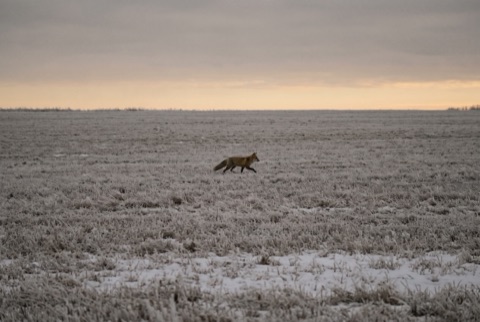 intaktDSC06183.JPG3,5 MB
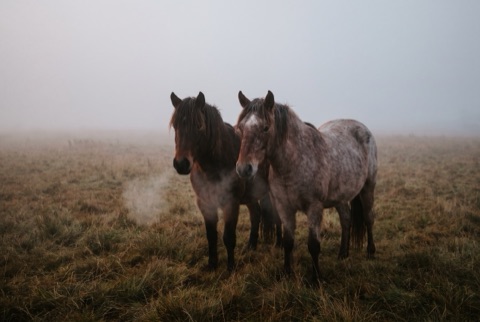 intaktDSC06190.JPG3,2 MB
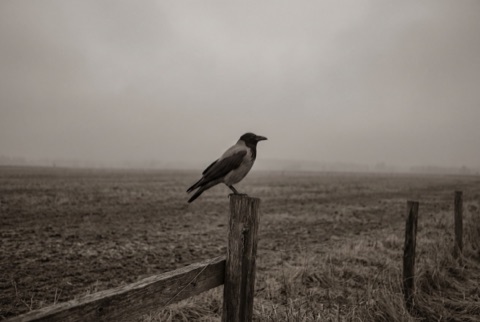 intaktDSC06188.JPG2,9 MB
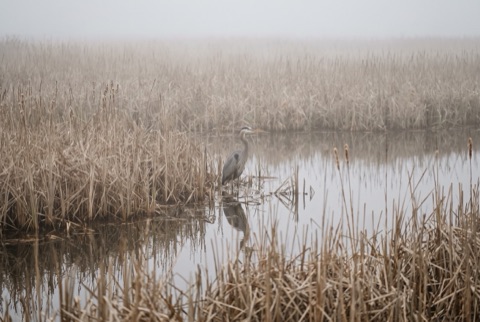 intaktDSC06201.JPG3,3 MB
 intaktDSC06195.JPG3,5 MB
Welches Laufwerk?
Karten, USB-Sticks, externe und interne Platten. Nur das Laufwerk, von dem macOS läuft, ist ausgegraut.
72 % enthalten Daten, der Rest ist leer.
Letzte Scans
Erst das Laufwerk sichern
Jeder Lesezugriff auf ein sterbendes Laufwerk ist ein Risiko. Retriever kopiert es einmal, Bit für Bit, und arbeitet dann mit der Kopie.
0,00 GB von 63,86 GB kopiert, 0 unlesbare Bereiche
Schnüffelt durch 63,86 GB…
Bisher 0 Dateien gefunden
17 Dateien holen
0 von 17
Alle 17 Dateien geprüft!
- Daten
- leer
- überschrieben
- unlesbar
- gefunden
- gesichert
Sichern
Eine Bit-für-Bit-Kopie des Laufwerks. Ab hier arbeitet die App auf der Kopie, nie auf dem Original. Du brauchst freien Platz in der Größe des Laufwerks, auf dem Mac oder auf einem externen Laufwerk. Ist auf dem Mac wenig Platz, kann das Abbild auf ein externes Laufwerk. Du kannst die Sicherung auch überspringen, die App warnt dich vorher.
Lesefehler stoppen die Sicherung nicht. Defekte Sektoren werden zu Lücken und angezeigt.
intaktDSC06183.JPG3,5 MBintaktDSC06190.JPG3,2 MBintaktDSC06188.JPG2,9 MBintaktDSC06201.JPG3,3 MBintaktDSC06195.JPG3,5 MBWelches Laufwerk?
Karten, USB-Sticks, externe und interne Platten. Nur das Laufwerk, von dem macOS läuft, ist ausgegraut.
72 % enthalten Daten, der Rest ist leer.
Letzte Scans
Erst das Laufwerk sichern
Jeder Lesezugriff auf ein sterbendes Laufwerk ist ein Risiko. Retriever kopiert es einmal, Bit für Bit, und arbeitet dann mit der Kopie.
0,00 GB von 63,86 GB kopiert, 0 unlesbare Bereiche
Schnüffelt durch 63,86 GB…
Bisher 0 Dateien gefunden
17 Dateien holen
0 von 17
Alle 17 Dateien geprüft!
- Daten
- leer
- überschrieben
- unlesbar
- gefunden
- gesichert
Scannen
„Schnüffelt durch 128 GB…“, dann „Bisher 1.204 Fotos gefunden“, dann „Fertig. 1.312 Fotos, 41 Videos.“
Auf FAT32, exFAT und NTFS kommen auch Namen, Ordner und Daten zurück, auch nach einer Schnellformatierung, bei der die alten Verzeichnisse überlebt haben.
intaktDSC06183.JPG3,5 MBintaktDSC06190.JPG3,2 MBintaktDSC06188.JPG2,9 MBintaktDSC06201.JPG3,3 MBintaktDSC06195.JPG3,5 MBWelches Laufwerk?
Karten, USB-Sticks, externe und interne Platten. Nur das Laufwerk, von dem macOS läuft, ist ausgegraut.
72 % enthalten Daten, der Rest ist leer.
Letzte Scans
Erst das Laufwerk sichern
Jeder Lesezugriff auf ein sterbendes Laufwerk ist ein Risiko. Retriever kopiert es einmal, Bit für Bit, und arbeitet dann mit der Kopie.
0,00 GB von 63,86 GB kopiert, 0 unlesbare Bereiche
Schnüffelt durch 63,86 GB…
Bisher 0 Dateien gefunden
17 Dateien holen
0 von 17
Alle 17 Dateien geprüft!
- Daten
- leer
- überschrieben
- unlesbar
- gefunden
- gesichert
Ansehen
Vorschaubilder nach Tag, die Ordner des Laufwerks, Filter, Vorschau in voller Größe. Videos und Audio laufen. All das ist kostenlos.
Jede Datei trägt eine ehrliche Markierung:
- intakt
- wahrscheinlich beschädigt
- fragmentiert
- nicht geprüft
- Duplikat
intaktDSC06183.JPG3,5 MBintaktDSC06190.JPG3,2 MBintaktDSC06188.JPG2,9 MBintaktDSC06201.JPG3,3 MBintaktDSC06195.JPG3,5 MBWelches Laufwerk?
Karten, USB-Sticks, externe und interne Platten. Nur das Laufwerk, von dem macOS läuft, ist ausgegraut.
72 % enthalten Daten, der Rest ist leer.
Letzte Scans
Erst das Laufwerk sichern
Jeder Lesezugriff auf ein sterbendes Laufwerk ist ein Risiko. Retriever kopiert es einmal, Bit für Bit, und arbeitet dann mit der Kopie.
0,00 GB von 63,86 GB kopiert, 0 unlesbare Bereiche
Schnüffelt durch 63,86 GB…
Bisher 0 Dateien gefunden
17 Dateien holen
0 von 17
Alle 17 Dateien geprüft!
- Daten
- leer
- überschrieben
- unlesbar
- gefunden
- gesichert
Wiederherstellen
Das ist der bezahlte Schritt. Du zahlst einmal, bekommst einen Lizenzschlüssel im Browser und per E-Mail und gibst ihn einmal in der App ein. Zum Preis.
Behalte die ursprünglichen Ordner oder sortiere nach Datum. Jede geschriebene Datei wird geprüft. Das Ziel ist nie das Quelllaufwerk, und vorhandene Dateien werden nie überschrieben.
intaktDSC06183.JPG3,5 MBintaktDSC06190.JPG3,2 MBintaktDSC06188.JPG2,9 MBintaktDSC06201.JPG3,3 MBintaktDSC06195.JPG3,5 MBWelches Laufwerk?
Karten, USB-Sticks, externe und interne Platten. Nur das Laufwerk, von dem macOS läuft, ist ausgegraut.
72 % enthalten Daten, der Rest ist leer.
Letzte Scans
Erst das Laufwerk sichern
Jeder Lesezugriff auf ein sterbendes Laufwerk ist ein Risiko. Retriever kopiert es einmal, Bit für Bit, und arbeitet dann mit der Kopie.
0,00 GB von 63,86 GB kopiert, 0 unlesbare Bereiche
Schnüffelt durch 63,86 GB…
Bisher 0 Dateien gefunden
17 Dateien holen
0 von 17
Alle 17 Dateien geprüft!
- Daten
- leer
- überschrieben
- unlesbar
- gefunden
- gesichert